Transfer only JPEGs from your camera — RAW stays on the card
Shooting RAW+JPEG but only need the JPEGs out there today? Switch on “JPEG only — leave RAW files on the camera” for a CloudTether shoot and only the JPEGs are copied off the camera and delivered. The RAW files stay on the card for the edit later. A JPEG is often a fifth of the size of the RAW, so over mobile data every shot reaches the gallery, the client folder or the press desk sooner.
- Only JPEGs leave the camera
- RAW files wait on the card for the edit
- Works with one card or RAW + JPEG on two
- Or send RAW later, on Wi-Fi only
Why leave RAW on the camera
Every shot travels twice: camera to phone, then phone to the cloud. The second leg runs over your phone's connection, and at a busy venue that's the bottleneck. A RAW file from a modern body is often 25–60 MB; its JPEG might be a fifth of that. Cutting the RAW from that leg is the single biggest speed-up for live galleries, previews and press filing — and gallery services such as SmugMug and ShootProof only accept JPEGs anyway, so a RAW would be skipped for them.
How it works
JPEG only is a shoot setting under “Transfer from camera”. With it on, CloudTether copies only the JPEG of each shot; RAW files are left on the card. It works whether the camera writes RAW+JPEG to one card or RAW to one card and JPEG to the other, and it applies to that shoot on that phone. It also combines with rated send: only the JPEG of a starred frame is sent, and a rating given to the RAW still counts.
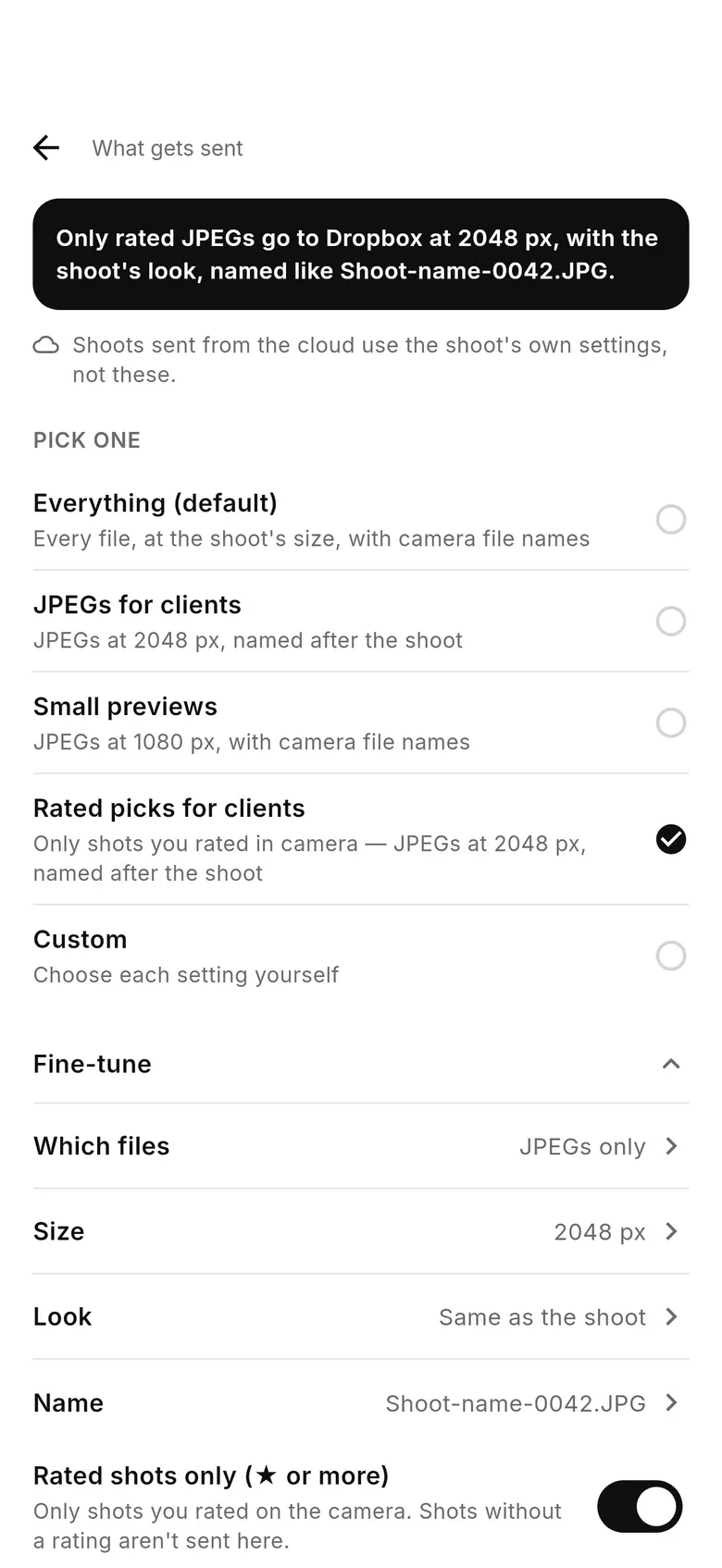
Want RAW in the cloud, just not over mobile data? Use “Send RAW files later” in More › Settings › Uploads and choose “On Wi-Fi only”: the JPEG of each pair sends straight away and its RAW waits for a Wi-Fi network with internet. For JPEGs on one destination and everything on another, use What gets sent per destination instead — each shot still uploads from the phone once. The RAW vs JPEG glossary entry covers the trade-off.
When to keep RAW flowing
Send RAW when a retoucher or editor is working while you shoot, when the off-site copy is your backup, or when the light is hard and recovered highlights will matter. With JPEG only on, the card holds the only copy of each RAW until you get home, so keep a second card slot recording if your camera has one. More in JPEG-only and resized delivery.
How to send only JPEGs and leave RAW files on the camera
Set the camera to RAW+JPEG
Choose RAW+JPEG on one card, or RAW to one slot and JPEG to the other.
Turn on JPEG only
In the shoot's settings, under “Transfer from camera”, switch on “JPEG only — leave RAW files on the camera”.
Shoot
Only JPEGs are copied and delivered; RAW files stay on the card. Optionally set “Send RAW files later” to “On Wi-Fi only”.
FAQ
Can I shoot RAW+JPEG and transfer only the JPEGs?
Yes. Turn on “JPEG only — leave RAW files on the camera” in the shoot's settings (CloudTether 1.1).
Does it work with two card slots?
Yes — RAW+JPEG on one card, or RAW on one and JPEG on the other.
Can I get the RAW files into the cloud later?
Yes. “Send RAW files later” › “On Wi-Fi only” sends each RAW once the phone is on Wi-Fi with internet, or import them from the card at your desk.
Is JPEG only the same as choosing JPEGs for a destination?
No. JPEG only changes what leaves the camera, so the phone uploads less. A destination's What gets sent changes what that destination receives from a single upload.
JPEG only (RAW stays on the card) is part of the one CloudTether plan
Every feature and every destination is included. Download CloudTether for iPhone, iPad or Android; the price for your country is shown in the app before you subscribe.