
Live uploading from
Camera to Cloud
Connect your camera over USB or Wi-Fi and deliver every shot to your cloud in real time — no SD-card shuffle. Works on iPhone, iPad, Mac and Android.
How it works
USB or Wi-Fi. Zero setup. Photos flow from camera to cloud while you work.
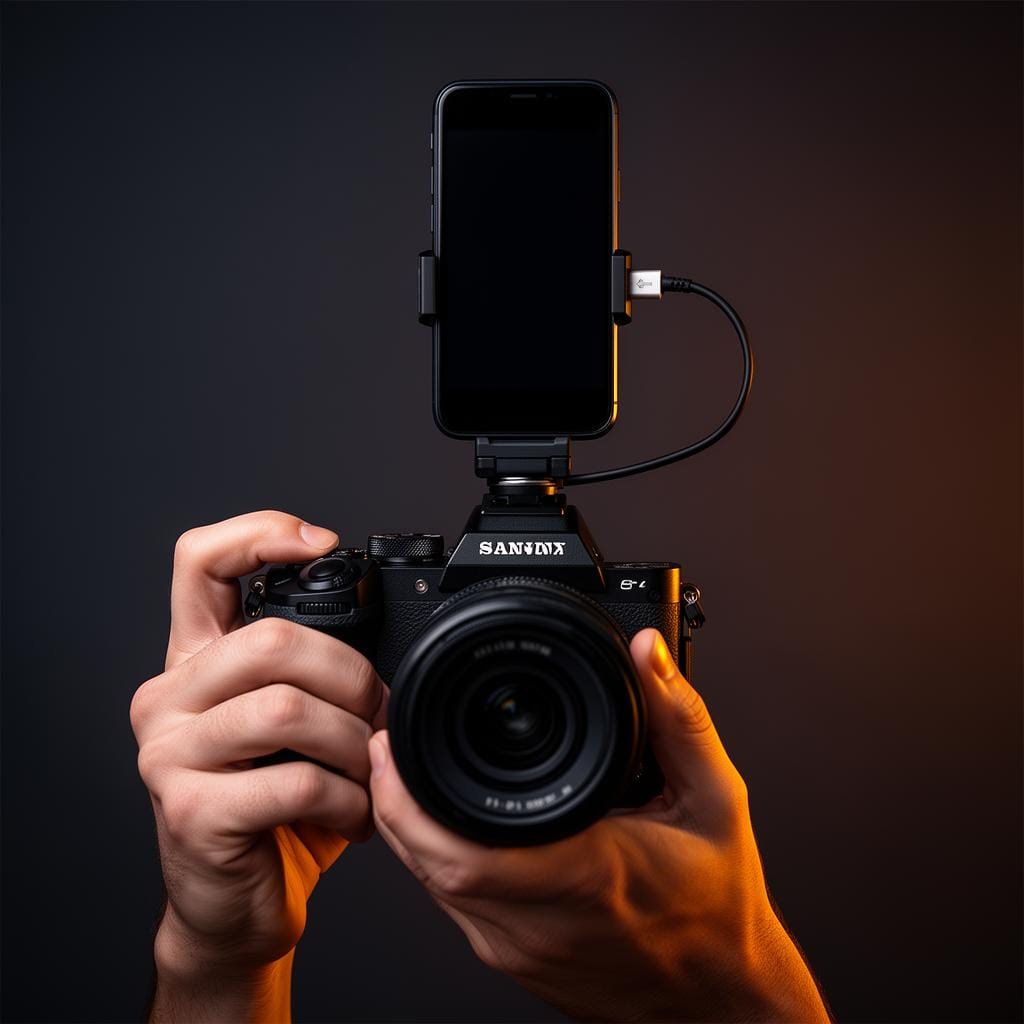
Connect
Pair your phone with your camera over USB or Wi-Fi tethering. Your phone's mobile data or Wi-Fi handles the upload—simple as that.
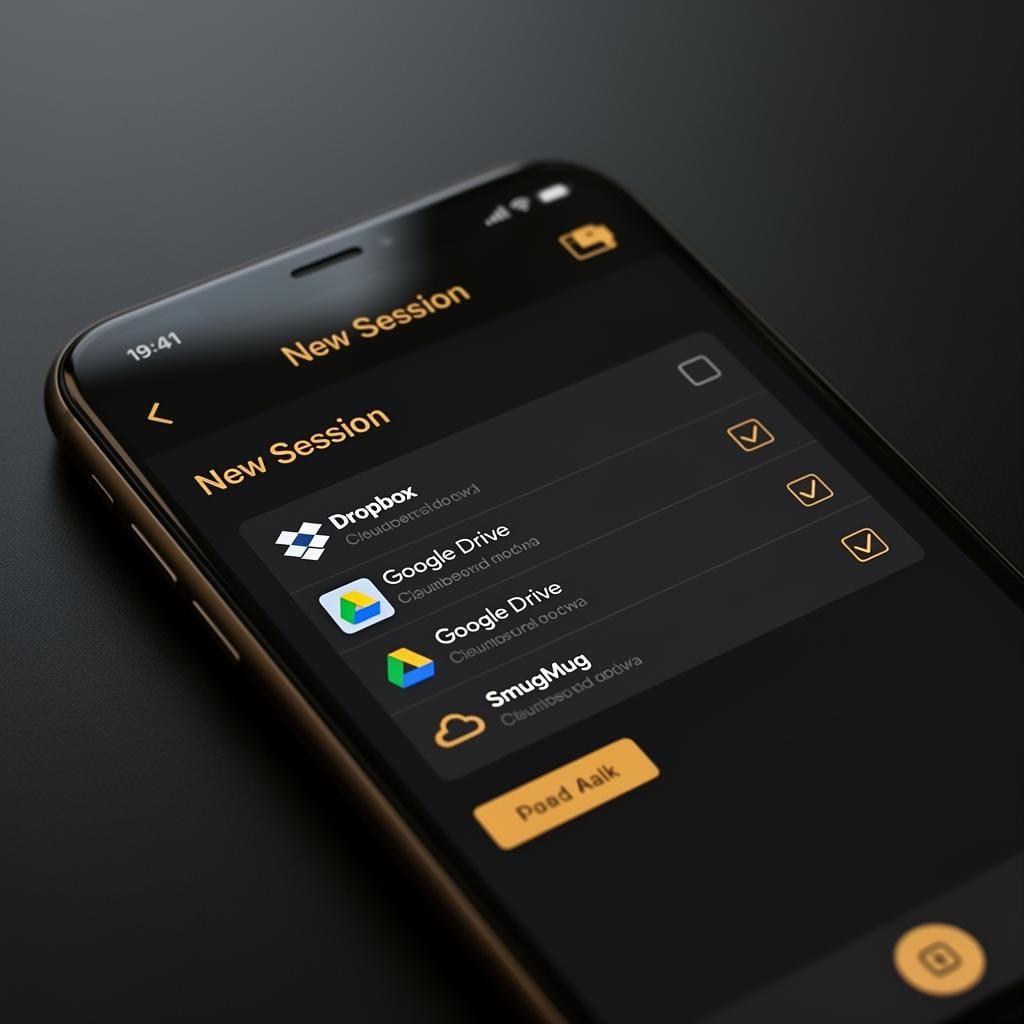
Create a Session
Open the app, start a new session, and pick one or more cloud destinations — Dropbox, Google Drive, SmugMug, and more.

Shoot
Keep shooting as you normally would. With the app open, CloudTether transfers each frame the moment you capture it.
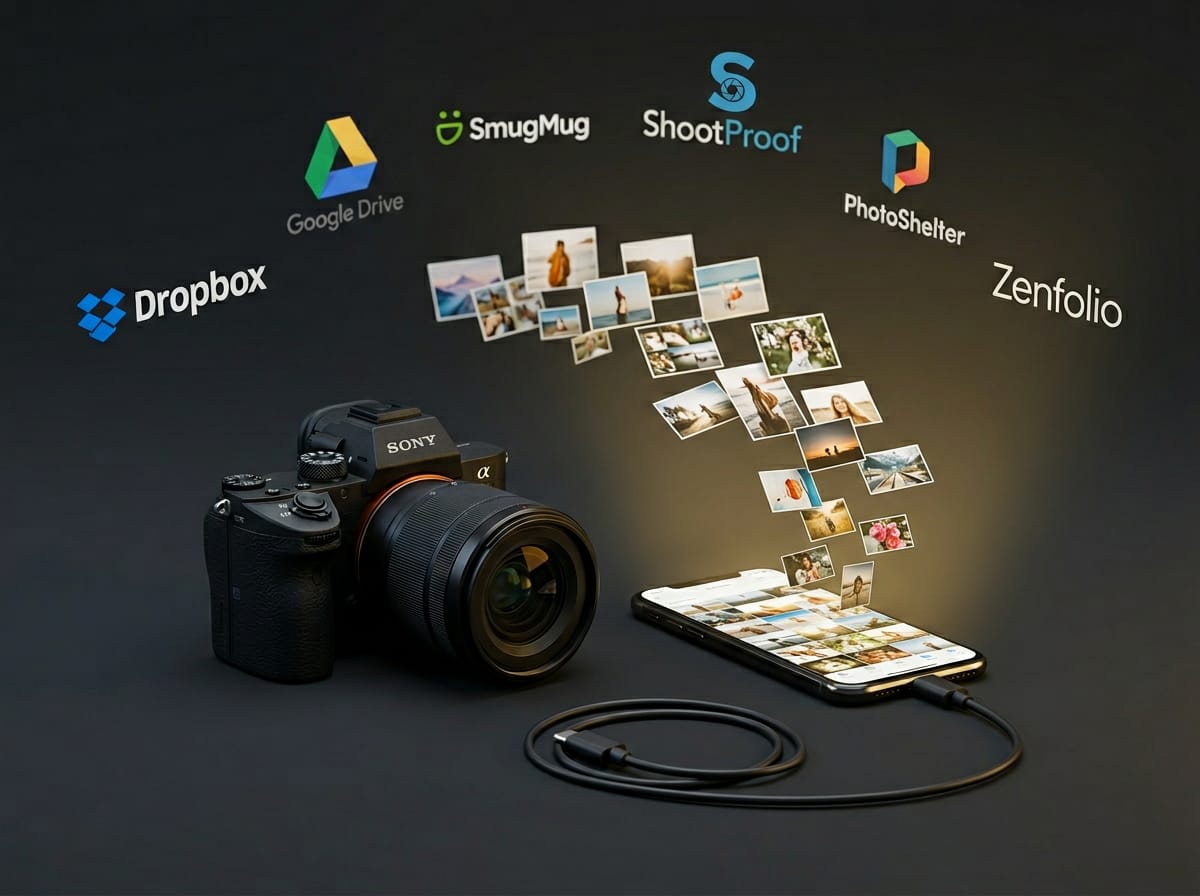
Done
Your app uploads each photo just once — we fan it out to every destination configured for the session, so Dropbox, Google Drive, SmugMug, ShootProof and more all get it without re-uploading.
Everything You Need to Stay in Flow
Real-Time Uploads
Photos hit the cloud the moment you press the shutter.
Multiple Destinations
Upload once — we fan each photo out to Dropbox, Google Drive, SmugMug, ShootProof and more.
USB or Wi-Fi Tethering
Connect your phone to your camera over USB cable or Wi-Fi. Your phone's internet handles the rest.
Built for Photographers
Designed around real wedding, event, and studio workflows.
Reliable & Secure
Encrypted transfers with automatic retry on failures.
Supported camera brands
CloudTether supports Canon, Nikon, Sony, and Fujifilm.
Available on iOS & Android
Download CloudTether's native apps today — same one-tap tethering, same destinations, on iOS and Android.
Your Destinations
CloudTether connects to the platforms you already use — your photos flow where they need to go, automatically.
Frequently Asked Questions
Everything you need to know before launch.
Start tethering with CloudTether
Download CloudTether on the App Store or Google Play and deliver every shot to the cloud in real time.