Camera compatibility checker: will your camera tether to your phone?
Pick your camera and your phone. You'll get an honest answer for USB and Wi-Fi — what we've verified on real hardware and what we haven't — plus the camera menu setting, the cable you need and which features you get. It's built from the same data as our camera pages.
Choose your camera and phone
Choose a camera brand to see the result.
How the checker decides
- Verified by us — we've run that exact body with CloudTether on real hardware. Over USB that's the Canon EOS R7 and EOS R5 Mark II, Nikon Z6, Sony ZV-E10 and Fujifilm X-T3; over Wi-Fi, Canon.
- Supported by the protocol, not yet tested by us — the camera speaks the protocol CloudTether uses and runs the same code as a verified body of its brand, but we haven't tried that model ourselves. USB is very likely to work; Wi-Fi is model-specific. Test it before a paid job.
- Experimental — built but not dependable yet (Fujifilm Wi-Fi). Use a cable for paid work.
- Not supported — the connection doesn't work with CloudTether, such as Lumix Wi-Fi (Panasonic's own protocol) or Wi-Fi on the Sony ZV-E10.
Camera settings come from the makers' manuals; tell us if your camera does something different, and we'll update the result. Want the full list? See the compatibility table below, all supported cameras or read camera tethering software for how it works.
Camera compatibility table: every model, USB and Wi-Fi
Every camera with a model page on our site, with the same statuses the checker uses. The cable is for a USB-C iPhone, iPad or Android phone, where we're sure of the camera's port. Each row links to that camera's tethering guide and its own checker result.
77 cameras
- Verified by us
- Verified by us
- Supported by the protocol, not yet tested by us
- Supported by the protocol, not yet tested by us
- Experimental
- Experimental
- Not supported
- Not supported
| Camera | USB · Wi-Fi |
|---|---|
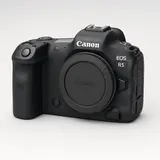 Canon EOS R5USB-C to USB-CCheck with your phone | USBSupported by the protocol, not yet tested by usWi-FiSupported by the protocol, not yet tested by us |
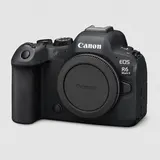 Canon EOS R6 Mark IIUSB-C to USB-CCheck with your phone | USBSupported by the protocol, not yet tested by usWi-FiSupported by the protocol, not yet tested by us |
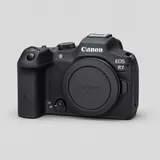 Canon EOS R7USB-C to USB-CCheck with your phone | USBVerified by usWi-FiVerified by us |
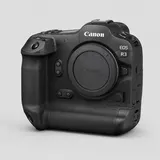 Canon EOS R3USB-C to USB-CCheck with your phone | USBSupported by the protocol, not yet tested by usWi-FiSupported by the protocol, not yet tested by us |
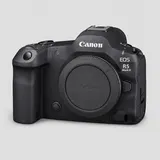 Canon EOS R5 Mark IIUSB-C to USB-CCheck with your phone | USBVerified by usWi-FiVerified by us |
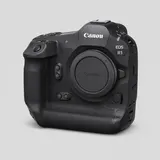 Canon EOS R1USB-C to USB-CCheck with your phone | USBSupported by the protocol, not yet tested by usWi-FiSupported by the protocol, not yet tested by us |
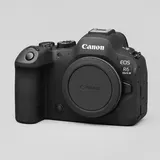 Canon EOS R6 Mark IIIUSB-C to USB-CCheck with your phone | USBSupported by the protocol, not yet tested by usWi-FiSupported by the protocol, not yet tested by us |
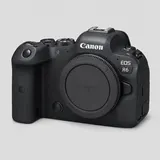 Canon EOS R6USB-C to USB-CCheck with your phone | USBSupported by the protocol, not yet tested by usWi-FiSupported by the protocol, not yet tested by us |
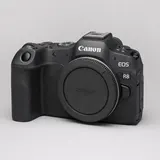 Canon EOS R8USB-C to USB-CCheck with your phone | USBSupported by the protocol, not yet tested by usWi-FiSupported by the protocol, not yet tested by us |
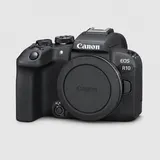 Canon EOS R10Check the portCheck with your phone | USBSupported by the protocol, not yet tested by usWi-FiSupported by the protocol, not yet tested by us |
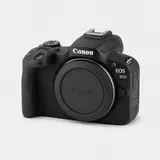 Canon EOS R50Check the portCheck with your phone | USBSupported by the protocol, not yet tested by usWi-FiSupported by the protocol, not yet tested by us |
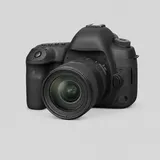 Canon EOS 5D Mark IVMicro-B USB 3 to USB-CCheck with your phone | USBSupported by the protocol, not yet tested by usWi-FiSupported by the protocol, not yet tested by us |
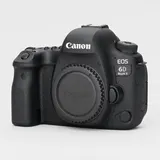 Canon EOS 6D Mark IICheck the portCheck with your phone | USBSupported by the protocol, not yet tested by usWi-FiSupported by the protocol, not yet tested by us |
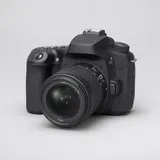 Canon EOS 90DCheck the portCheck with your phone | USBSupported by the protocol, not yet tested by usWi-FiSupported by the protocol, not yet tested by us |
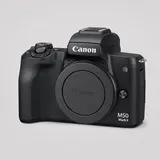 Canon EOS M50 Mark IICheck the portCheck with your phone | USBSupported by the protocol, not yet tested by usWi-FiSupported by the protocol, not yet tested by us |
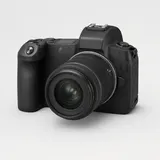 Canon EOS RUSB-C to USB-CCheck with your phone | USBSupported by the protocol, not yet tested by usWi-FiSupported by the protocol, not yet tested by us |
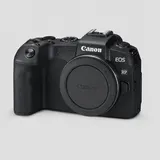 Canon EOS RPUSB-C to USB-CCheck with your phone | USBSupported by the protocol, not yet tested by usWi-FiSupported by the protocol, not yet tested by us |
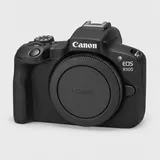 Canon EOS R100USB-C to USB-CCheck with your phone | USBSupported by the protocol, not yet tested by usWi-FiSupported by the protocol, not yet tested by us |
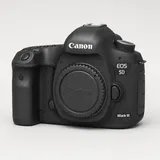 Canon EOS 5D Mark IIICheck the portCheck with your phone | USBSupported by the protocol, not yet tested by usWi-FiSupported by the protocol, not yet tested by us |
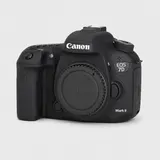 Canon EOS 7D Mark IICheck the portCheck with your phone | USBSupported by the protocol, not yet tested by usWi-FiSupported by the protocol, not yet tested by us |
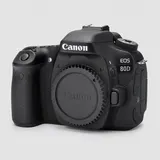 Canon EOS 80DCheck the portCheck with your phone | USBSupported by the protocol, not yet tested by usWi-FiSupported by the protocol, not yet tested by us |
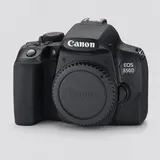 Canon EOS 850DMicro-USB to USB-CCheck with your phone | USBSupported by the protocol, not yet tested by usWi-FiSupported by the protocol, not yet tested by us |
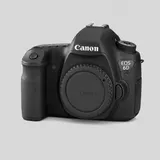 Canon EOS 6DCheck the portCheck with your phone | USBSupported by the protocol, not yet tested by usWi-FiSupported by the protocol, not yet tested by us |
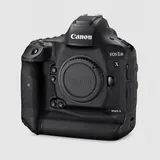 Canon EOS-1D X Mark IICheck the portCheck with your phone | USBSupported by the protocol, not yet tested by usWi-FiSupported by the protocol, not yet tested by us |
| Camera | USB · Wi-Fi |
|---|---|
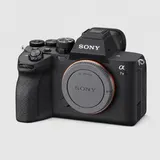 Sony α7 IVUSB-C to USB-CCheck with your phone | USBSupported by the protocol, not yet tested by usWi-FiSupported by the protocol, not yet tested by us |
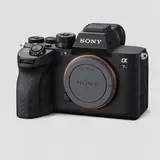 Sony α7R VUSB-C to USB-CCheck with your phone | USBSupported by the protocol, not yet tested by usWi-FiSupported by the protocol, not yet tested by us |
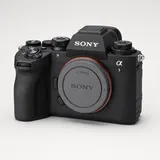 Sony α1USB-C to USB-CCheck with your phone | USBSupported by the protocol, not yet tested by usWi-FiSupported by the protocol, not yet tested by us |
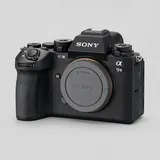 Sony α9 IIIUSB-C to USB-CCheck with your phone | USBSupported by the protocol, not yet tested by usWi-FiSupported by the protocol, not yet tested by us |
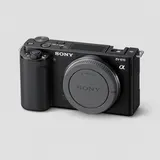 Sony ZV-E10Micro-USB to USB-CCheck with your phone | USBVerified by usWi-FiNot supported |
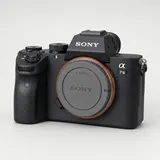 Sony α7 IIIUSB-C to USB-CCheck with your phone | USBSupported by the protocol, not yet tested by usWi-FiNot supported |
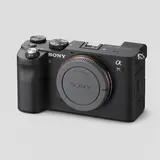 Sony α7CCheck the portCheck with your phone | USBSupported by the protocol, not yet tested by usWi-FiSupported by the protocol, not yet tested by us |
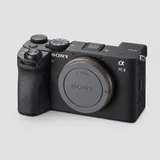 Sony α7C IIUSB-C to USB-CCheck with your phone | USBSupported by the protocol, not yet tested by usWi-FiSupported by the protocol, not yet tested by us |
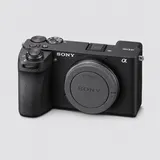 Sony α6700USB-C to USB-CCheck with your phone | USBSupported by the protocol, not yet tested by usWi-FiSupported by the protocol, not yet tested by us |
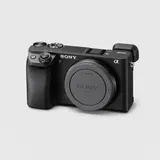 Sony α6400Micro-USB to USB-CCheck with your phone | USBSupported by the protocol, not yet tested by usWi-FiNot supported |
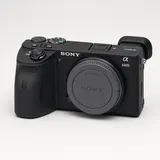 Sony α6600Micro-USB to USB-CCheck with your phone | USBSupported by the protocol, not yet tested by usWi-FiNot supported |
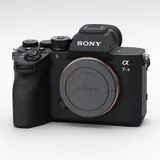 Sony α7R IVUSB-C to USB-CCheck with your phone | USBSupported by the protocol, not yet tested by usWi-FiSupported by the protocol, not yet tested by us |
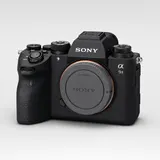 Sony α9 IIUSB-C to USB-CCheck with your phone | USBSupported by the protocol, not yet tested by usWi-FiSupported by the protocol, not yet tested by us |
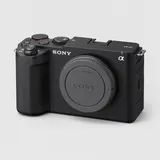 Sony ZV-E1USB-C to USB-CCheck with your phone | USBSupported by the protocol, not yet tested by usWi-FiSupported by the protocol, not yet tested by us |
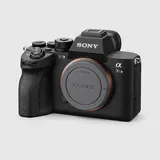 Sony α7S IIIUSB-C to USB-CCheck with your phone | USBSupported by the protocol, not yet tested by usWi-FiSupported by the protocol, not yet tested by us |
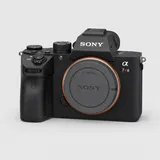 Sony α7R IIIUSB-C to USB-CCheck with your phone | USBSupported by the protocol, not yet tested by usWi-FiNot supported |
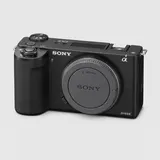 Sony ZV-E10 IIUSB-C to USB-CCheck with your phone | USBSupported by the protocol, not yet tested by usWi-FiSupported by the protocol, not yet tested by us |
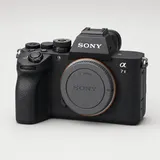 Sony α7 VCheck the portCheck with your phone | USBSupported by the protocol, not yet tested by usWi-FiSupported by the protocol, not yet tested by us |
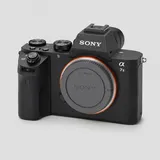 Sony α7 IIMicro-USB to USB-CCheck with your phone | USBSupported by the protocol, not yet tested by usWi-FiNot supported |
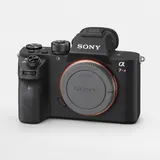 Sony α7R IIMicro-USB to USB-CCheck with your phone | USBSupported by the protocol, not yet tested by usWi-FiNot supported |
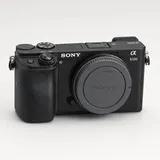 Sony α6100Micro-USB to USB-CCheck with your phone | USBSupported by the protocol, not yet tested by usWi-FiNot supported |
| Camera | USB · Wi-Fi |
|---|---|
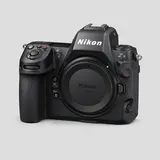 Nikon Z8USB-C to USB-CCheck with your phone | USBSupported by the protocol, not yet tested by usWi-FiSupported by the protocol, not yet tested by us |
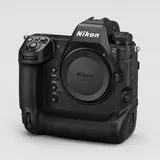 Nikon Z9USB-C to USB-CCheck with your phone | USBSupported by the protocol, not yet tested by usWi-FiSupported by the protocol, not yet tested by us |
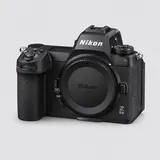 Nikon Z6 IIIUSB-C to USB-CCheck with your phone | USBSupported by the protocol, not yet tested by usWi-FiSupported by the protocol, not yet tested by us |
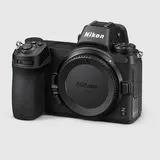 Nikon Z6USB-C to USB-CCheck with your phone | USBVerified by usWi-FiSupported by the protocol, not yet tested by us |
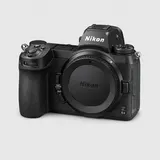 Nikon Z6 IIUSB-C to USB-CCheck with your phone | USBSupported by the protocol, not yet tested by usWi-FiSupported by the protocol, not yet tested by us |
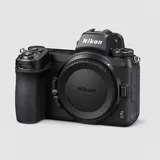 Nikon Z7 IIUSB-C to USB-CCheck with your phone | USBSupported by the protocol, not yet tested by usWi-FiSupported by the protocol, not yet tested by us |
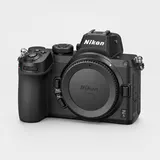 Nikon Z5USB-C to USB-CCheck with your phone | USBSupported by the protocol, not yet tested by usWi-FiSupported by the protocol, not yet tested by us |
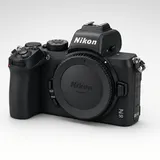 Nikon Z50Check the portCheck with your phone | USBSupported by the protocol, not yet tested by usWi-FiSupported by the protocol, not yet tested by us |
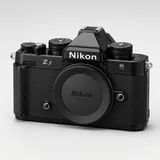 Nikon ZfUSB-C to USB-CCheck with your phone | USBSupported by the protocol, not yet tested by usWi-FiSupported by the protocol, not yet tested by us |
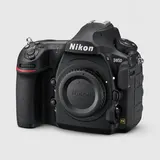 Nikon D850Micro-B USB 3 to USB-CCheck with your phone | USBSupported by the protocol, not yet tested by usWi-FiSupported by the protocol, not yet tested by us |
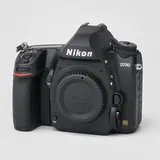 Nikon D780USB-C to USB-CCheck with your phone | USBSupported by the protocol, not yet tested by usWi-FiSupported by the protocol, not yet tested by us |
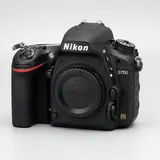 Nikon D750Check the portCheck with your phone | USBSupported by the protocol, not yet tested by usWi-FiSupported by the protocol, not yet tested by us |
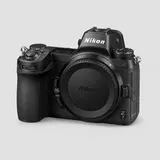 Nikon Z7USB-C to USB-CCheck with your phone | USBSupported by the protocol, not yet tested by usWi-FiSupported by the protocol, not yet tested by us |
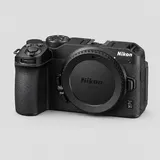 Nikon Z30USB-C to USB-CCheck with your phone | USBSupported by the protocol, not yet tested by usWi-FiSupported by the protocol, not yet tested by us |
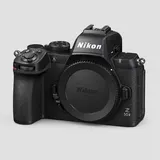 Nikon Z50 IIUSB-C to USB-CCheck with your phone | USBSupported by the protocol, not yet tested by usWi-FiSupported by the protocol, not yet tested by us |
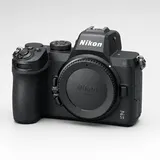 Nikon Z5IIUSB-C to USB-CCheck with your phone | USBSupported by the protocol, not yet tested by usWi-FiSupported by the protocol, not yet tested by us |
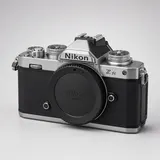 Nikon Z fcUSB-C to USB-CCheck with your phone | USBSupported by the protocol, not yet tested by usWi-FiSupported by the protocol, not yet tested by us |
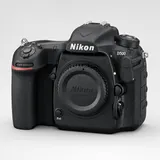 Nikon D500Micro-B USB 3 to USB-CCheck with your phone | USBSupported by the protocol, not yet tested by usWi-FiSupported by the protocol, not yet tested by us |
| Camera | USB · Wi-Fi |
|---|---|
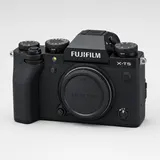 Fujifilm X-T5USB-C to USB-CCheck with your phone | USBSupported by the protocol, not yet tested by usWi-FiExperimental |
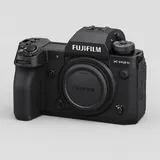 Fujifilm X-H2SUSB-C to USB-CCheck with your phone | USBSupported by the protocol, not yet tested by usWi-FiExperimental |
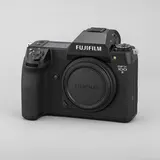 Fujifilm GFX 100 IIUSB-C to USB-CCheck with your phone | USBSupported by the protocol, not yet tested by usWi-FiExperimental |
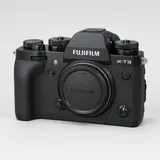 Fujifilm X-T3Check the portCheck with your phone | USBVerified by usWi-FiExperimental |
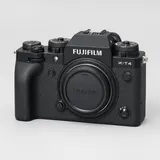 Fujifilm X-T4USB-C to USB-CCheck with your phone | USBSupported by the protocol, not yet tested by usWi-FiExperimental |
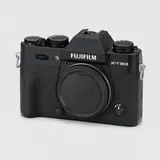 Fujifilm X-T30 IIUSB-C to USB-CCheck with your phone | USBSupported by the protocol, not yet tested by usWi-FiExperimental |
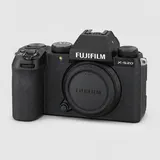 Fujifilm X-S20USB-C to USB-CCheck with your phone | USBSupported by the protocol, not yet tested by usWi-FiExperimental |
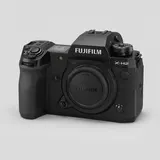 Fujifilm X-H2USB-C to USB-CCheck with your phone | USBSupported by the protocol, not yet tested by usWi-FiExperimental |
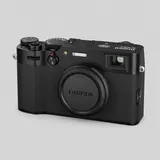 Fujifilm X100VIUSB-C to USB-CCheck with your phone | USBSupported by the protocol, not yet tested by usWi-FiExperimental |
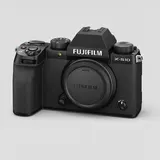 Fujifilm X-S10USB-C to USB-CCheck with your phone | USBSupported by the protocol, not yet tested by usWi-FiExperimental |
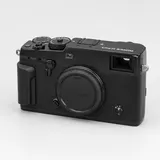 Fujifilm X-Pro3USB-C to USB-CCheck with your phone | USBSupported by the protocol, not yet tested by usWi-FiExperimental |
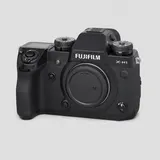 Fujifilm X-H1Micro-B USB 3 to USB-CCheck with your phone | USBSupported by the protocol, not yet tested by usWi-FiExperimental |
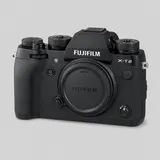 Fujifilm X-T2Micro-B USB 3 to USB-CCheck with your phone | USBSupported by the protocol, not yet tested by usWi-FiExperimental |
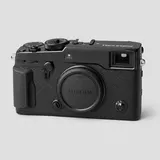 Fujifilm X-Pro2Micro-USB to USB-CCheck with your phone | USBSupported by the protocol, not yet tested by usWi-FiExperimental |
Other cameras
Not in the table? Check by brand — PTP cameras from these makers can connect over USB from the app's Other option, not yet tested by us.
Camera compatibility FAQ
Will my camera tether to my phone?
Most current Canon, Nikon, Sony and Fujifilm cameras tether to an iPhone, iPad or Android phone over USB with CloudTether, provided the camera has a PTP or tether USB mode and lets you shoot while connected. Pick your camera and phone above to see the exact setting, cable and Wi-Fi status for your setup.
What does “Verified by us” mean?
We've run that exact body with CloudTether on real hardware. USB is verified on the Canon EOS R7 and EOS R5 Mark II, Nikon Z6, Sony ZV-E10 and Fujifilm X-T3, and Wi-Fi on Canon. Every other body is “supported by the protocol, not yet tested by us”: same-brand cameras run the same code over USB, but test yours before a paid job.
Which cameras tether to a phone over Wi-Fi?
Canon Wi-Fi tethering is verified, using the camera's EOS Utility (remote control) function rather than “Connect to smartphone”. Nikon and newer Sony bodies support it on many models but aren't tested by us yet; Fujifilm Wi-Fi is experimental; Panasonic Lumix Wi-Fi isn't supported because it uses Panasonic's own protocol. USB is faster and the dependable choice.
Do I need a special cable or adapter?
A USB data cable with your camera's port on one end and your phone's on the other. A USB-C iPhone, iPad or Android phone takes a USB-C cable directly; a Lightning iPhone needs Apple's Lightning to USB 3 Camera Adapter. The tether cable picker works out the exact cable.
Does CloudTether work with Panasonic Lumix, OM System or Leica?
Not yet tested by us. Cameras that speak standard PTP over USB can connect from the app's Other option — a Lumix in PC(Tether) USB mode, for example — and RW2, ORF and DNG files are recognised. Lumix Wi-Fi isn't supported.
Can I control the camera or see live view from the phone?
Yes, new in 1.1.x: Canon, Nikon, Sony and Fujifilm cameras get live view and a remote shutter in the camera sheet (Sony needs its USB connection set to PC Remote; Fujifilm's remote shutter works over USB in tether shooting mode). There's no exposure control — ISO, shutter speed and aperture stay on the camera — and other PTP cameras such as a Lumix don't get these tools.
Is there a full list of cameras that tether to a phone?
Yes — the compatibility table on this page lists every camera with a model page on our site, with its USB and Wi-Fi status, the cable to a USB-C phone where we know the camera's port, and a link to that camera's tethering guide. Type a model into the search box to filter it. Cameras not in the table can still be checked by brand.
Is the checker free, and does it send my data anywhere?
It's free and needs no account. It runs entirely in your browser from our published camera data — nothing you pick is sent anywhere. The page address updates with your choices, so you can share or bookmark a result.