Nikon WU-1a and the Wireless Mobile Utility app: set-up, limits and alternatives
Short answer: the Nikon WU-1a is a small plug-in Wi-Fi adapter for several mid-2010s Nikon DSLRs, and the Wireless Mobile Utility (WMU) is Nikon's phone app that talks to it — together they let an iPhone or Android phone browse the camera's pictures, download JPEGs and shoot remotely with live view. They still work, but the app sends JPEGs only (RAW is converted), the link is slow, and Nikon's newer cameras use SnapBridge instead. Nikon's Wireless Transmitter Utility is a different, desktop tool for WT- transmitters. Here's how each works and what to use instead.
What the WU-1a is
The WU-1a Wireless Mobile Adapter is a thumb-sized accessory that plugs into the USB or accessory terminal of compatible Nikon DSLRs and creates its own Wi-Fi network. Your phone joins that network and the Wireless Mobile Utility app does the rest. It was Nikon's answer to phone sharing before Wi-Fi was built into most bodies. A sibling, the WU-1b, did the same job for other models such as the D600 and D610 and attaches differently. Both are discontinued at many retailers but easy to find second-hand.
Which cameras use the WU-1a?
Nikon's own pages and retailer listings pair the WU-1a with a group of DSLRs from about 2012 to 2014. Bodies that came later mostly have Wi-Fi built in and don't need an adapter. Check Nikon's compatibility notice for your exact model before buying one used.
| Adapter | Cameras (from Nikon and retailer listings) | Notes |
|---|---|---|
| WU-1a | D3200, D5200, D7100, D3300, Df | Plugs into the camera's terminal; also listed for some COOLPIX models |
| WU-1b | D600, D610 | Same app; a different shape for those bodies |
| Built-in Wi-Fi | Later bodies such as the D5300, D750, D7200 and D500 | No adapter; WMU or SnapBridge, depending on the model |
Lists compiled from Nikon notices and retailer listings; confirm your model with Nikon before buying an adapter.
What the Wireless Mobile Utility app does
Wireless Mobile Utility — often shortened to WMU — is Nikon's free app for iOS and Android, still listed in the app stores as of late 2026. Connected to a WU-1a, a WU-1b or a camera with built-in Wi-Fi of that generation, it can show the pictures on the memory card and download the ones you pick, send pictures you select on the camera, and turn the phone into a remote with live view and a shutter button. It's a simple, manual tool: you choose what to copy, and the phone has to stay on the camera's Wi-Fi network while it does.
How to set up the WU-1a with WMU
1. Install Wireless Mobile Utility on your phone. 2. With the camera switched off, plug the WU-1a into the camera's terminal; on some bodies you then enable the adapter in the camera's setup menu (look for a Wireless mobile adapter option). 3. Switch the camera on. The adapter's light shows it's broadcasting a network, named after the adapter. 4. On the phone, open Wi-Fi settings and join that network; if the phone warns it has no internet, choose to stay connected. 5. Open WMU. Choose Take pictures for remote shooting or View photos to browse and download. 6. Set the download size in the app's settings — the recommended smaller size is quick, the original size keeps full resolution. Set a Wi-Fi password in the app's network settings so nobody else can join the camera.
The limits of the WU-1a and WMU
JPEG only: Nikon's WMU manual says NEF (RAW) pictures are converted to JPEG for download, and with RAW+JPEG only the JPEG copy is downloaded — so it can't get your RAW files onto a phone. Speed: the adapter's Wi-Fi is old and slow by today's standards, fine for a few shares and painful for a whole shoot. Manual: nothing transfers by itself as you shoot; you pick pictures and wait. Range: keep the phone close. Battery: the adapter draws power from the camera. And development has largely moved on — Nikon's current app is SnapBridge, and WMU's look and features have barely changed in years.
Common WU-1a problems and fixes
The network doesn't appear: switch the camera off, reseat the adapter, switch it on again and check the adapter is enabled in the setup menu; let the camera's auto-off timer run longer so it doesn't sleep. The phone joins, then drops: tell the phone to stay on a network without internet, turn off VPNs and any "switch to mobile data" Wi-Fi assistant, and keep the phone close. Downloads are small: set the image size to original in WMU's settings. No RAW: that's by design — WMU converts RAW to JPEG. On new phone operating systems, also allow the app's local-network and photo permissions.
WU-1a vs SnapBridge
SnapBridge is Nikon's current app for cameras with Bluetooth: it keeps a low-power link to the camera, sends reduced-size copies automatically and handles location, remote shooting and firmware on recent bodies. Nikon's help pages say SnapBridge can also connect directly over Wi-Fi to some cameras that support the Wireless Mobile Utility — it lists bodies such as the D750, D7200, D7100, D5500, D5300, D3300 and Df — so if your camera is on that list, SnapBridge may be the more current option, though the WMU-style features stay basic. Our guide to the SnapBridge app explains how it works.
Wireless Mobile Utility vs Wireless Transmitter Utility
The names are close, and both are searched, but they're different tools. The Wireless Mobile Utility is the phone app described above, for the WU-1a, WU-1b and older built-in Wi-Fi. The Wireless Transmitter Utility is a free Nikon desktop program for Windows and Mac that pairs a camera with a computer over a network — through Nikon's WT- series wireless transmitters, such as the WT-7, or the network features built into bodies such as the Z9, Z8, Z6III and Zf. You run it once to pair, then use Nikon's computer software, such as NX Tether, over that wireless link. If you're searching for the "wireless transmission utility", this desktop tool is almost certainly the one. Our NX Tether guide covers that set-up.
Better ways to get photos off an older Nikon DSLR
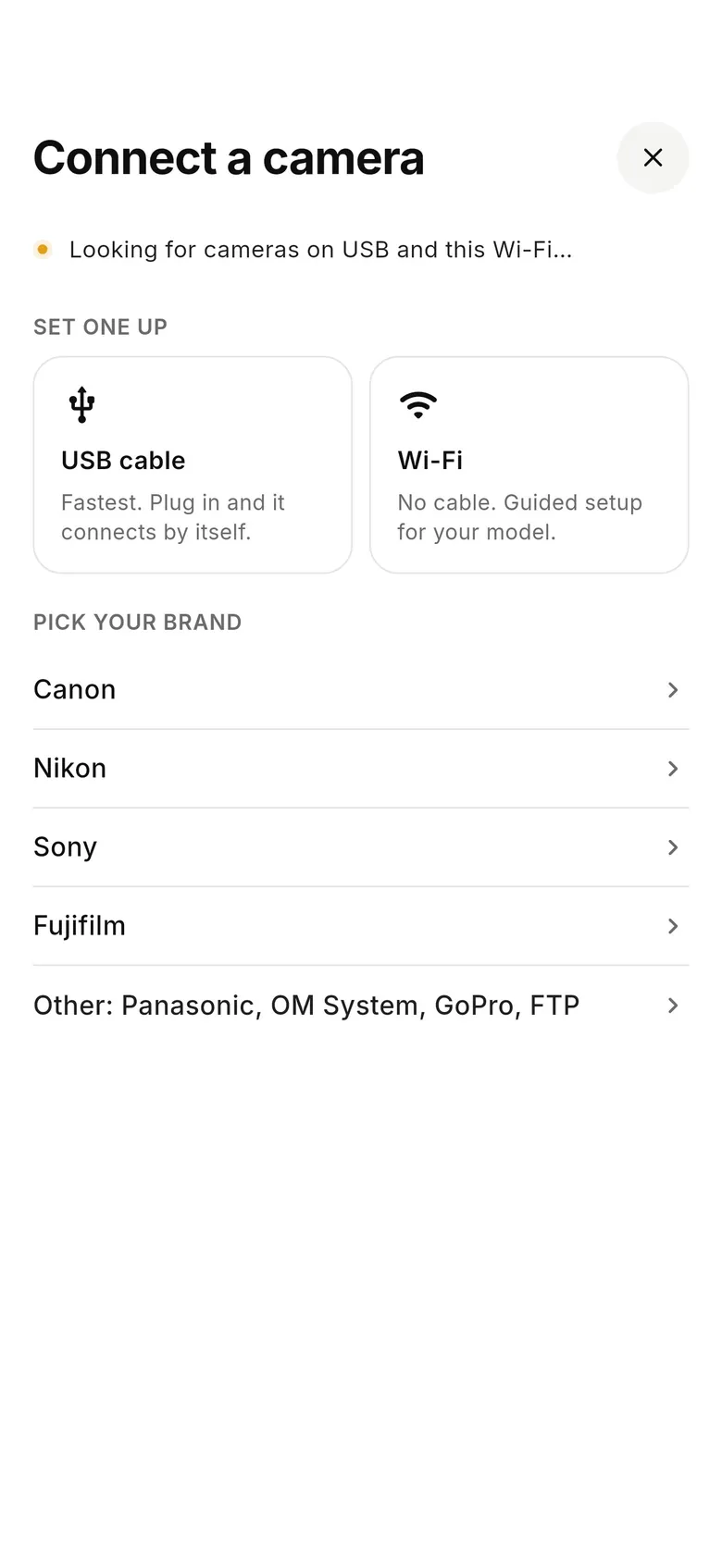
For a few shares to social, the WU-1a and WMU are fine. For more than that, a cable is faster and gets the RAW files too. Plug a card reader into your phone and import, or connect the camera itself. A tethering app can do it automatically as you shoot: CloudTether connects a Nikon to an iPhone, iPad or Android phone over USB and copies every full-resolution NEF or JPEG the moment it's written, then can send it to Dropbox, Google Drive, a gallery or an FTP server. Nikon USB tethering is verified on the Z6, and Nikon DSLRs use the same code path, so they're expected to work over USB — but we haven't tested a WU-1a-era body ourselves, and some older DSLRs can't shoot while a USB cable is connected. Our anonymised app logs do include a D5000 and a D850 transferring over USB. CloudTether doesn't connect through the WU-1a, and its Nikon Wi-Fi isn't verified. There's a 7-day free trial, so test your body first.
FAQ
What does the Nikon WU-1a do?
It's a plug-in Wi-Fi adapter for compatible Nikon DSLRs. It creates a Wi-Fi network your phone joins, so the Wireless Mobile Utility app can download JPEGs and shoot remotely with live view.
Which cameras work with the WU-1a?
Nikon and retailer listings name the D3200, D5200, D7100, D3300 and Df, plus some COOLPIX models. The D600 and D610 use the WU-1b. Check Nikon's notice for your model.
Can the Wireless Mobile Utility transfer RAW files?
No. Nikon's manual says NEF (RAW) pictures are converted to JPEG, and with RAW+JPEG only the JPEG is downloaded. Use a cable, card reader or tethering app for RAW.
Is the Wireless Mobile Utility app still available?
It was still listed on the App Store and Google Play as of late 2026, but it has seen little development. Nikon's current app is SnapBridge.
Do I need a WU-1a if my Nikon has built-in Wi-Fi?
No. Bodies with Wi-Fi built in, such as the D5300, D750, D7200 and D500, connect to the Wireless Mobile Utility or SnapBridge directly, depending on the model. The adapter is only for cameras without Wi-Fi.
Is the WU-1a good for remote shooting?
For a static set-up — a group photo, a self-portrait, a camera on a tripod near wildlife — yes: WMU shows live view and fires the shutter. The live view lags a little and the range is short, so keep the phone within a few metres.
Can I use SnapBridge instead of WMU?
On some cameras, yes. Nikon says SnapBridge can connect over Wi-Fi to cameras such as the D750, D7200, D7100, D5500, D5300, D3300 and Df that support the Wireless Mobile Utility.
What's the Nikon Wireless Transmitter Utility?
A free desktop program that pairs a Nikon camera with a computer over a network, using a WT- transmitter or a built-in network feature, so you can tether wirelessly with software such as NX Tether. It isn't the phone app.
Does CloudTether work with the WU-1a?
No. CloudTether connects Nikon cameras over USB (verified on the Z6; older DSLRs expected but not tested by us) and doesn't use the WU-1a. Its Nikon Wi-Fi isn't verified yet.
Tether your camera to the cloud with CloudTether
Deliver every shot to the cloud or a client gallery, live as you shoot — no laptop. Start with a 7-day free trial on iPhone, iPad or Android.