Nikon to Google Drive: auto-upload as you shoot
Tether your Nikon to your phone over USB or Wi-Fi and deliver every shot straight to Google Drive the instant you press the shutter — no laptop, no SD-card import. Shared Drives for teams already on Google Workspace.
By the CloudTether team · Updated

How it works for Nikon → Google Drive
Your phone sits between the camera and Google Drive: no laptop, no card reader.
- Step 1Nikon
Connect it to your phone with a USB-C data cable or over Wi-Fi, then shoot as normal.
- Step 2Your phone
CloudTether copies each full-resolution photo off the camera seconds after the shutter and uploads it once.
- Step 3Google Drive
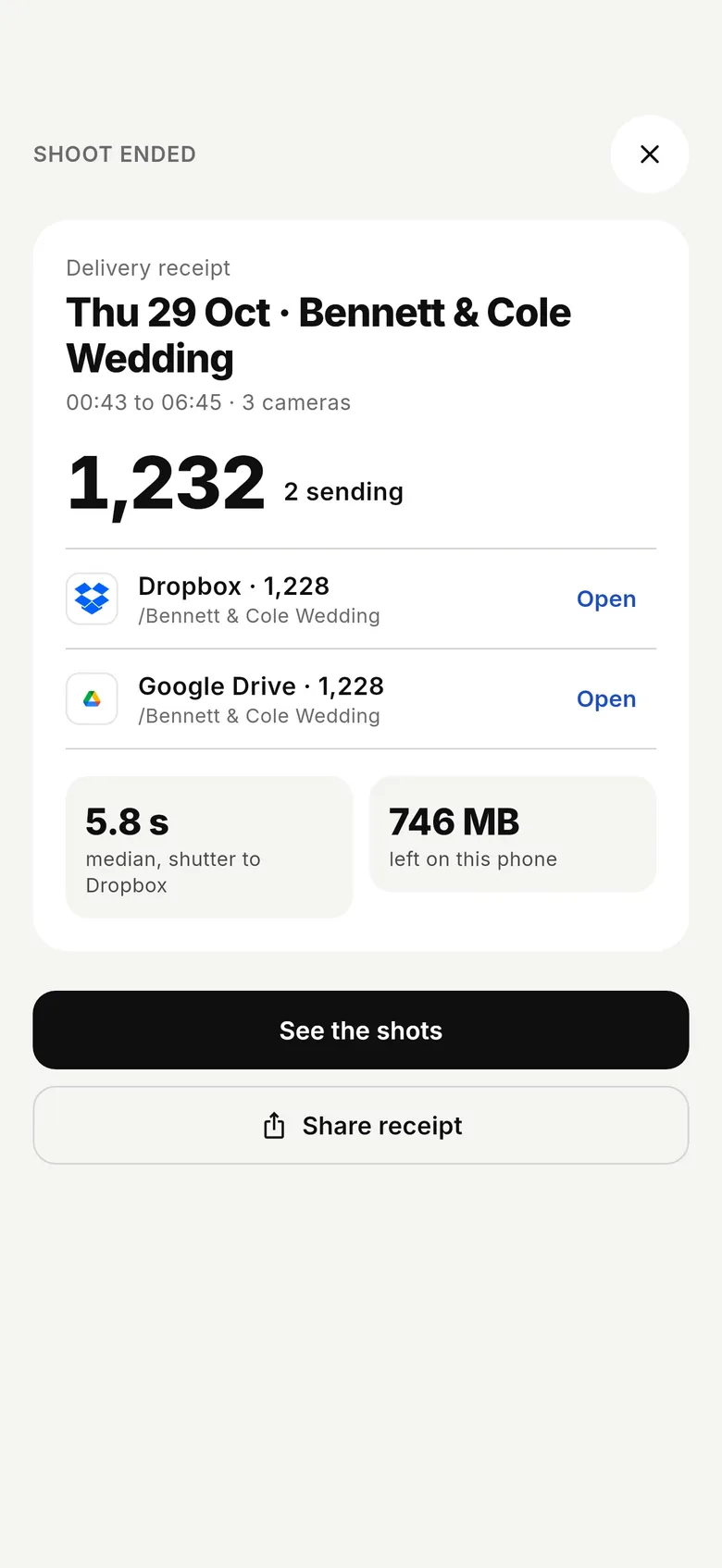
Every shot lands in Google Drive while you keep shooting — and in any other destination on the shoot.
How to live-upload Nikon photos to Google Drive
Connect your Nikon to your phone and every shot lands in Google Drive live as you shoot. Here's the full setup, start to finish:
- 1
Connect your Nikon
Connect over USB (PC connection mode) for the fastest, most dependable transfer. Or connect over the camera's Wi-Fi or a shared network. On a first wireless connection, confirm the link on the camera when prompted.
- 2
Connect Google Drive
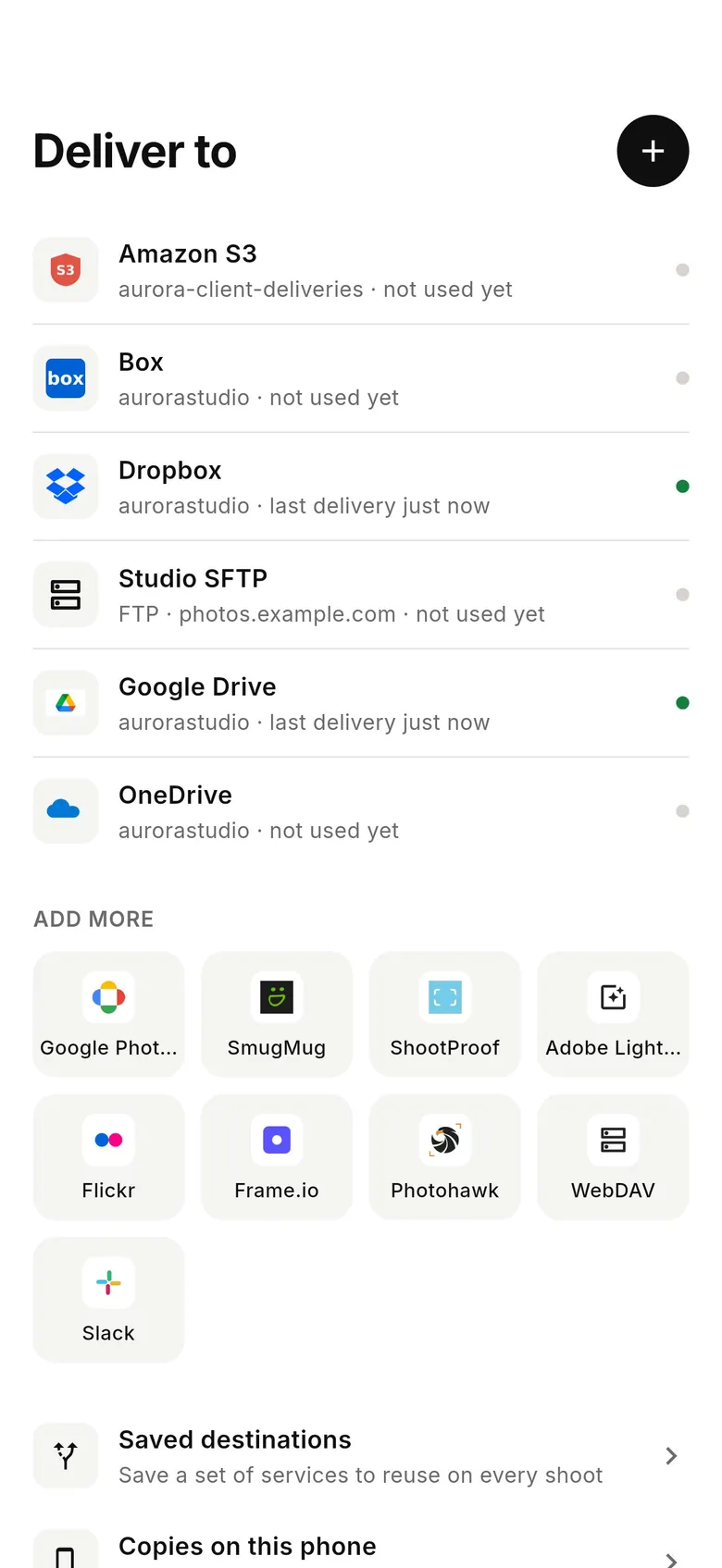
Connects via Google OAuth — scoped to a folder you choose. Pick where photos should land — route per-session folders into a Shared Drive so the whole team has instant access.
- 3
Shoot as normal
Every frame your Nikon captures is detected and downloaded at full resolution while you keep shooting — JPEG, or RAW.
- 4
Photos deliver to Google Drive
Each photo uploads from your phone once and lands in Google Drive live, seconds after the shutter — and fans out to any other destinations on the session too.
Google Drive in the CloudTether app
Connect Google Drive once, then every shoot from your Nikon can deliver to it.
Connecting a Nikon camera
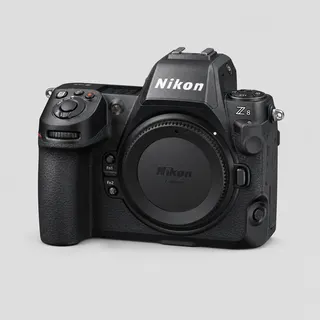
CloudTether covers Nikon Z bodies — Z9, Z8, Z6 III, Z6 II, Z7 II, Z5, Zf and Z50 — and DSLRs such as the D850, D780 and D750 over USB. USB is verified on a Nikon Z6, and every Nikon runs the same code.
Current Nikon bodies tether in their default USB mode, so there's usually nothing to change. If an older body mounts as storage instead, set its USB option to MTP/PTP. Lengthen the standby timer so the camera stays awake.
The Z9, Z8, Z6 III, Z6 II, Z7 II, Z5, Zf and the D780 have USB-C; the D850 uses Micro-B USB 3. On iPhone, a Nikon shooting to CFexpress may refuse the USB connection until the card is formatted in the camera — SD cards and Android phones weren't affected in our testing.
On the Z9, Z8, Z6 III and Zf: Network menu → Connect to smart device → Wi-Fi connection (STA mode) → Create profile, join the same network as the phone (or its hotspot) and approve the prompt on the camera. Wireless support varies by model and isn't verified by us yet — test before a job.
Nikon supports rated send: rate frames in playback and, with “Only shots I rate in camera” on, only those are sent. High Efficiency RAW on newer Z bodies keeps NEF files smaller.
Getting the most out of Google Drive
Google Drive stores every file untouched — CR3, NEF, ARW, RAF and JPEG — in a folder you choose, with a folder per shoot inside it, and CloudTether's Google access is scoped to that folder. Teams on Google Workspace can route shoots into a Shared Drive, so editors, producers and the client's comms team all see each frame without being invited file by file.
Drive previews JPEGs instantly in a browser or the Drive app; RAW files are there to download into Lightroom or Capture One later. If people will look at photos on their phones during the event, send JPEGs or 2048 px copies to that folder and keep the RAW in a separate backup.
For a press office or agency, a Drive folder is often the hand-off the client already uses: editors open it in a browser, search by name or date and download what they need. Because each shoot gets its own folder inside the one you picked, a multi-day conference stays organised by day without sorting afterwards. If the organisation restricts third-party apps, a Workspace admin may need to allow CloudTether before you can pick a Shared Drive.
- Share the parent folder once — shoot folders created inside it inherit its sharing.
- Uploads count against the Google account's or Shared Drive's storage.
- Drive works over mobile data, so no venue Wi-Fi is needed.
Route per-session folders into a Shared Drive so the whole team has instant access.
Connects via Google OAuth — scoped to a folder you choose.
Nikon to Google Drive — FAQ
Can I upload Nikon photos to Google Drive automatically?
Yes. Tether your Nikon to your phone with CloudTether over USB or Wi-Fi, and every shot uploads to Google Drive live as you shoot — no card offload and no card import.
Can I send Nikon photos to Google Drive live while I'm shooting?
Yes — each frame lands in Google Drive seconds after the shutter, live, while you keep shooting. There's no SD-card step in the middle.
How does CloudTether connect my Nikon to Google Drive?
Your Nikon tethers to your phone over USB or its own Wi-Fi; connects via Google OAuth — scoped to a folder you choose.
Do I need a laptop to send Nikon photos to Google Drive?
No. CloudTether runs on your phone — your Nikon connects to the phone and uploads straight to Google Drive over mobile data or Wi-Fi, anywhere you have signal.
Can I send RAW files from my Nikon to Google Drive?
Yes. Google Drive receives the files exactly as your Nikon wrote them — RAW, JPEG or both. To save mobile data, turn on JPEG only and leave RAW files on the camera.
Which Nikon cameras can send photos to Google Drive?
Any Nikon body CloudTether supports, including the Z8, Z9, Z6 III, Z6 II, Z7 II, Z5, Z50, Zf. USB is verified on a Nikon Z6, and every Nikon runs the same code.
Can I send only my best Nikon shots to Google Drive?
Yes. Nikon supports rated send: switch on “Only shots I rate in camera”, pick a minimum star rating, and only the frames you rate on the camera are delivered into the Google Drive folder.


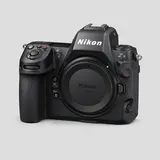 Nikon Z8 to Google Drive