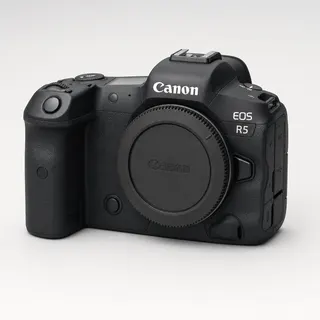

Canon to SmugMug: auto-upload as you shoot
Tether your Canon to your phone over USB or Wi-Fi and deliver every shot straight to SmugMug the instant you press the shutter — no laptop, no SD-card import. Branded galleries that look like your portfolio, not ours.
By the CloudTether team · Updated
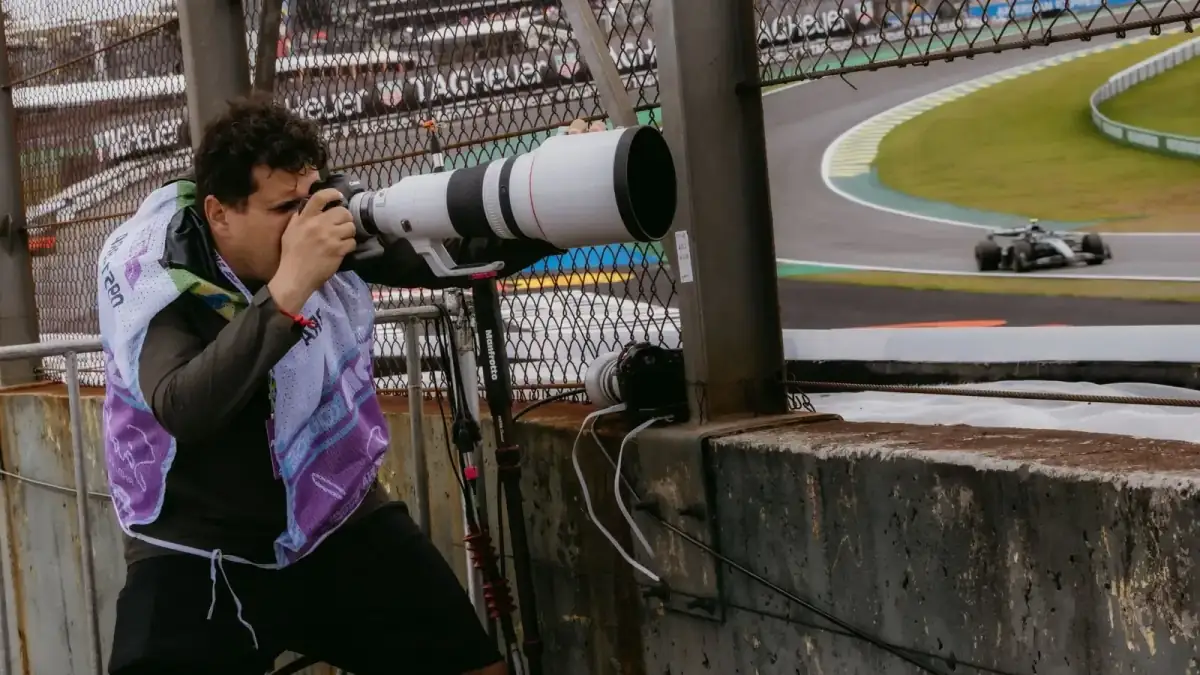
How it works for Canon → SmugMug
Your phone sits between the camera and SmugMug: no laptop, no card reader.
- Step 1Canon
Connect it to your phone with a USB-C data cable or over Wi-Fi, then shoot as normal.
- Step 2Your phone
CloudTether copies each full-resolution photo off the camera seconds after the shutter and uploads it once.
- Step 3SmugMug
Every shot lands in SmugMug as a JPEG while you keep shooting — and in any other destination on the shoot.
How to live-upload Canon photos to SmugMug
Connect your Canon to your phone and every shot lands in SmugMug live as you shoot. Here's the full setup, start to finish:
- 1
Connect your Canon
Connect over USB with the camera set to PC/tether mode for the most reliable, fastest link. Or go wireless with the camera's “Remote control (EOS Utility)” Wi-Fi function — not “Connect to smartphone” — on the camera's own network, your phone's hotspot or a shared router. On a first wireless connection, approve the link on the camera body when prompted.
- 2
Connect SmugMug
Connects via SmugMug OAuth. Pick where photos should land — photos land in the SmugMug gallery you pick, keeping that gallery's own privacy, sharing and selling settings.
- 3
Shoot as normal
Every frame your Canon captures is detected and downloaded at full resolution while you keep shooting. SmugMug receives the JPEGs — RAW files are skipped for it, so shoot RAW+JPEG.
- 4
Photos deliver to SmugMug
Each photo uploads from your phone once and lands in SmugMug live, seconds after the shutter — and fans out to any other destinations on the session too.
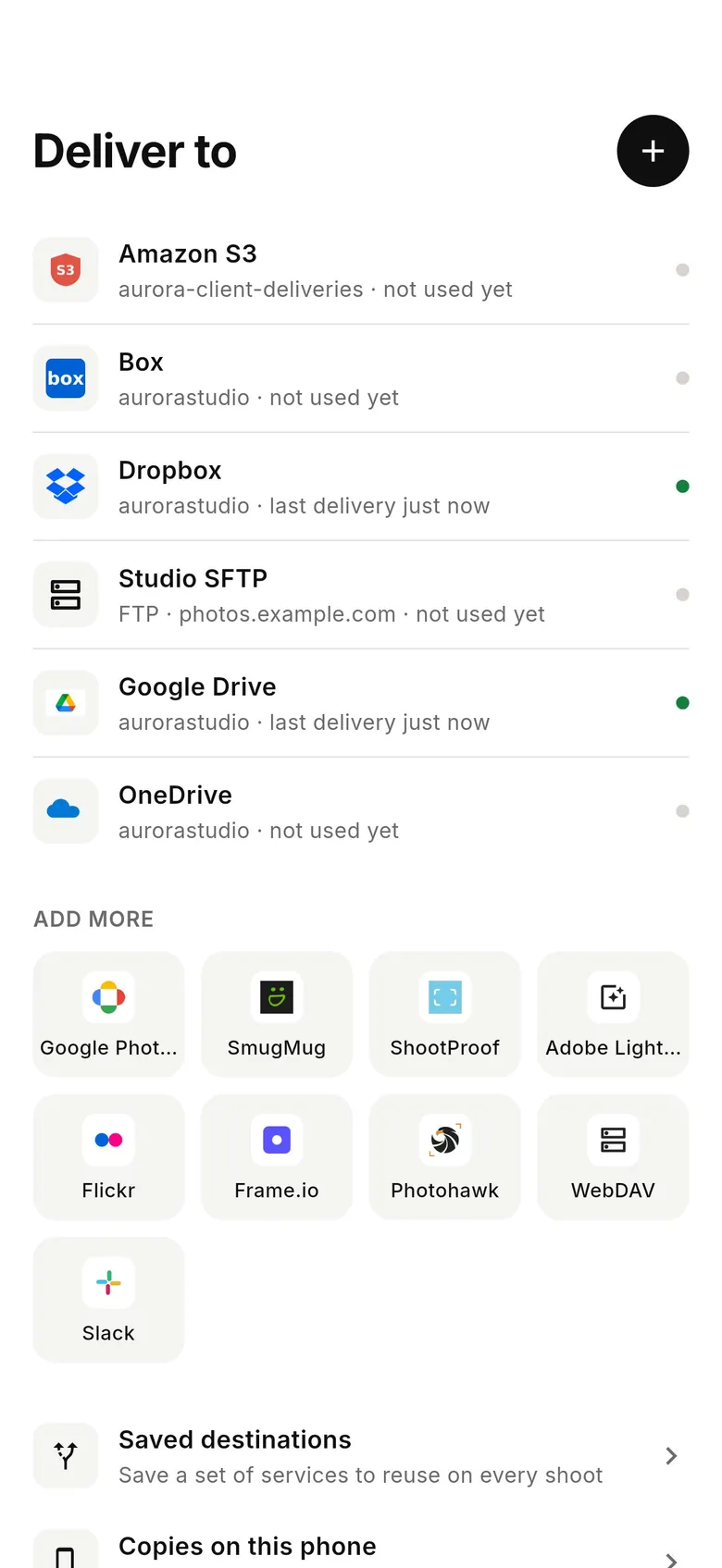
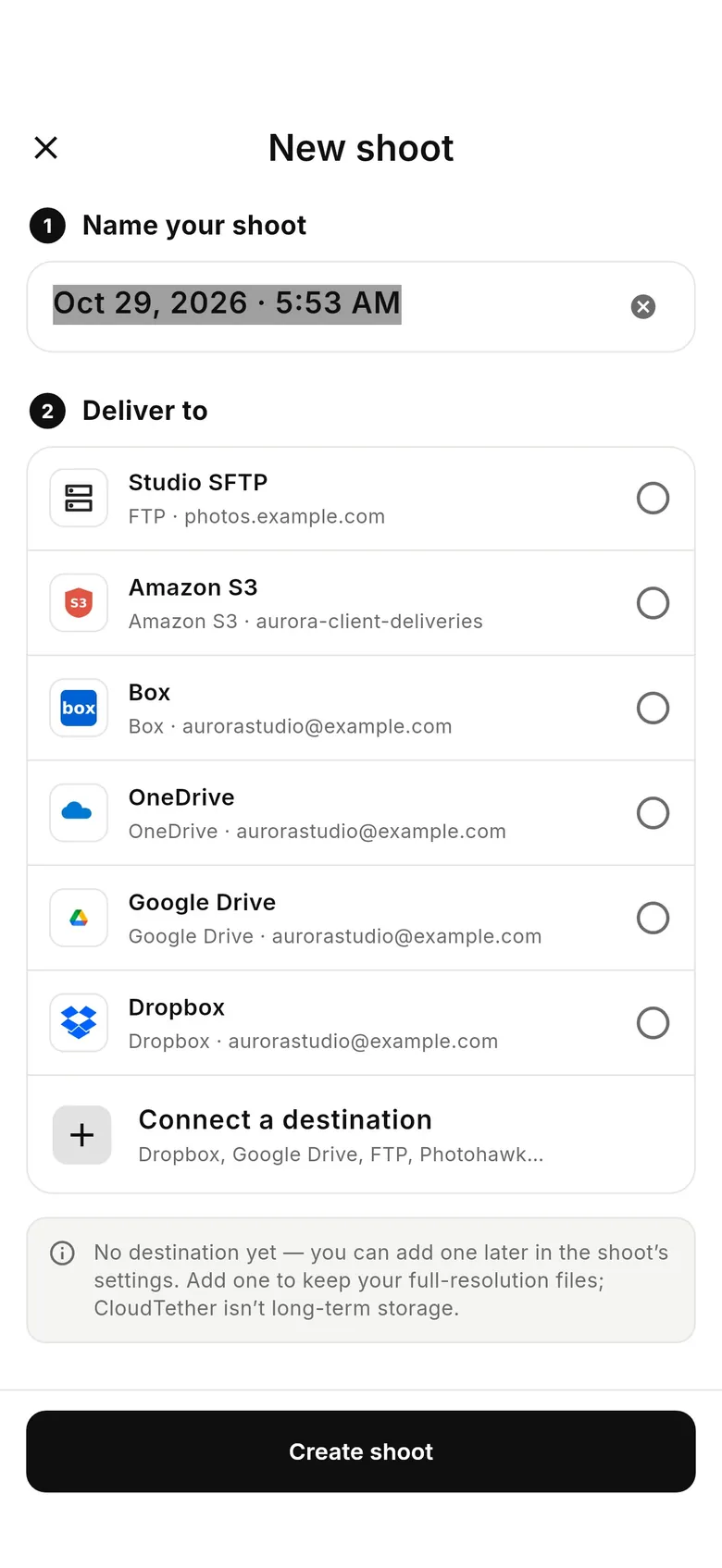
SmugMug in the CloudTether app
Connect SmugMug once, then every shoot from your Canon can deliver to it.
Connecting a Canon camera
CloudTether covers Canon's EOS R mirrorless range — R1, R3, R5 and R5 Mark II, R6, R6 Mark II and Mark III, R7, R8, R10, R50, the original EOS R and RP — plus EOS M bodies such as the M50 Mark II and DSLRs like the 5D Mark IV, 6D Mark II and 90D. USB is verified on an EOS R7 and an EOS R5 Mark II, and every EOS body runs the same code.
There's no USB mode to set on an EOS body. Turn the camera's Wi-Fi off (several Canon bodies disable USB while wireless is on), make sure it isn't in a webcam or streaming mode, and plug in.
EOS R bodies such as the R5, R6 Mark II, R7, R8 and R3 have USB-C, so one USB-C to USB-C data cable reaches a USB-C iPhone, iPad or Android phone. The 5D Mark IV uses a Micro-B USB 3 port, which needs a Micro-B to USB-C cable. A Lightning iPhone needs Apple's Lightning to USB 3 Camera Adapter.
Raise Auto power off so the camera doesn't sleep between sets, and close Canon's own apps on the phone so only CloudTether talks to the camera.
Canon Wi-Fi tethering works through the camera's “Remote control (EOS Utility)” function, not “Connect to smartphone” — the smartphone mode pairs only with Canon's own app and never shows CloudTether's pairing prompt. Join the camera to your phone's hotspot or the same router, then approve the pairing on the camera body.
Canon supports rated send: switch on “Only shots I rate in camera”, pick a minimum star rating, and only frames you rate in playback leave the camera. C-RAW makes CR3 files smaller if you do send RAW.
Getting the most out of SmugMug
SmugMug gets JPEGs (plus HEIF, PNG or TIFF if the camera writes them); RAW and video are skipped. CloudTether doesn't create galleries, so make the gallery in SmugMug first and pick it from the list — SmugMug's API calls galleries albums, so that's the word you'll see. One shoot fills one gallery, which keeps its own privacy, sharing, presentation and selling settings.
For same-day viewing, send 2048 px JPEGs; send full size if clients will buy prints from the gallery. Share the gallery link in the morning and it fills during the day. Add Dropbox to the same shoot and the phone still uploads each file once: the JPEG goes to SmugMug and every file, RAW included, to Dropbox.
SmugMug suits galleries that double as a shop or a portfolio: team galleries parents order from on game day, or a wedding gallery the couple shares with family that night. Keep the gallery unlisted or password-protected while you shoot and open it up later — CloudTether doesn't touch those settings, so it behaves exactly as if you'd uploaded by hand.
- Need two galleries, say ceremony and reception? Start a second shoot.
- If SmugMug signs you out, shots wait on the phone until you reconnect.
- Rated send (Canon and Nikon) keeps a public gallery to your picks.
SmugMug gets JPEGs (RAW and video are skipped), into the gallery you pick — shoot RAW+JPEG.
Full guide: Camera to SmugMug: Upload Photos Live as You Shoot →Photos land in the SmugMug gallery you pick, keeping that gallery's own privacy, sharing and selling settings.
Connects via SmugMug OAuth.
Canon to SmugMug — FAQ
Can I upload Canon photos to SmugMug automatically?
Yes. Tether your Canon to your phone with CloudTether over USB or Wi-Fi, and every shot uploads to SmugMug live as you shoot — no card offload and no card import.
Can I send Canon photos to SmugMug live while I'm shooting?
Yes — each frame lands in SmugMug seconds after the shutter, live, while you keep shooting. There's no SD-card step in the middle.
How does CloudTether connect my Canon to SmugMug?
Your Canon tethers to your phone over USB or its own Wi-Fi; connects via SmugMug OAuth.
Do I need a laptop to send Canon photos to SmugMug?
No. CloudTether runs on your phone — your Canon connects to the phone and uploads straight to SmugMug over mobile data or Wi-Fi, anywhere you have signal.
Can I send RAW files from my Canon to SmugMug?
No — SmugMug receives JPEGs, and RAW files are skipped for it. Shoot RAW+JPEG; add Dropbox, Google Drive, OneDrive or an SFTP server to the same shoot if you want the RAW files off-site too.
Which Canon cameras can send photos to SmugMug?
Any Canon body CloudTether supports, including the EOS R5, EOS R6 Mark II, EOS R7, EOS R3, EOS R5 Mark II, EOS R1, EOS R6 Mark III, EOS R6. USB is verified on an EOS R7 and an EOS R5 Mark II, and every EOS body runs the same code.
Can I send only my best Canon shots to SmugMug?
Yes. Canon supports rated send: switch on “Only shots I rate in camera”, pick a minimum star rating, and only the frames you rate on the camera are delivered into the SmugMug gallery.


 Canon EOS R5 to SmugMug