Sony Creators' App won't connect or transfer: fixes
The Creators' App can't find your camera, pairing fails, or transfers never finish. Short answer: first make sure your camera actually uses the Creators' App, then unpair on both sides, check the phone's permissions and VPN, and pair again.
1. Check your camera uses the Creators' App
Sony has two phone apps. Creators' App (which replaced Imaging Edge Mobile Plus in 2023) supports recent bodies, and some need a firmware update first. Many older Alpha, RX and ZV cameras use Imaging Edge Mobile instead and won't appear in the Creators' App at all. Check Sony's compatibility list for your model and firmware before anything else.
2. Update the app and the camera
Install the latest Creators' App and any camera firmware Sony lists for app support. After a firmware update, pair again.
3. Turn on the right permissions
Sony's own troubleshooting says that on iPhone the app needs Location and Local Network access, plus Bluetooth. Open Settings › Creators' App and turn them on. On Android, allow Nearby devices, Location and photos access. Without these, the app can't find the camera or reach it over Wi-Fi.
4. Unpair on both sides, then pair again
Delete the camera in the app, remove it from the phone's Bluetooth list and delete the phone in the camera's Bluetooth settings. Sony recommends unpairing on both devices before reconnecting — a camera still paired at the phone level can block pairing in the app. Restart the phone, then start pairing from the camera's smartphone connection menu and follow the app.
5. Clear anything that blocks Wi-Fi
Transfers run over the camera's Wi-Fi. Sony's checklist covers turning off VPNs, airplane mode and the phone's hotspot, and staying on the camera's network when the phone warns it has no internet. Disconnect other Bluetooth devices that might interfere, and keep the phone close.
6. Transfers are small or missing files
In the app's transfer settings, choose original size rather than 2 MP copies if you need full resolution. What can be sent — RAW, video, transfer while the camera is off, only rated or protected images — depends on the body, so check Sony's help guide for your model.
7. Still failing
Reset the camera's network settings and reinstall the app. Sony's support also suggests trying a different phone to tell whether the problem is with the camera or the phone. A card reader always works as a fallback.
Before a paid job
Pair and test at home, not at the venue: update the app and firmware, run a test transfer of a full-size file, and note which settings worked. Charge the camera and phone — a low battery and aggressive power saving are common reasons a link drops mid-transfer — and lengthen the camera's auto power off while you're importing. Carry a card reader for the Lightning or USB-C port as a fallback, because when a wireless link fails on the day, the card always works.
If you need every full-res shot automatically, here's another way
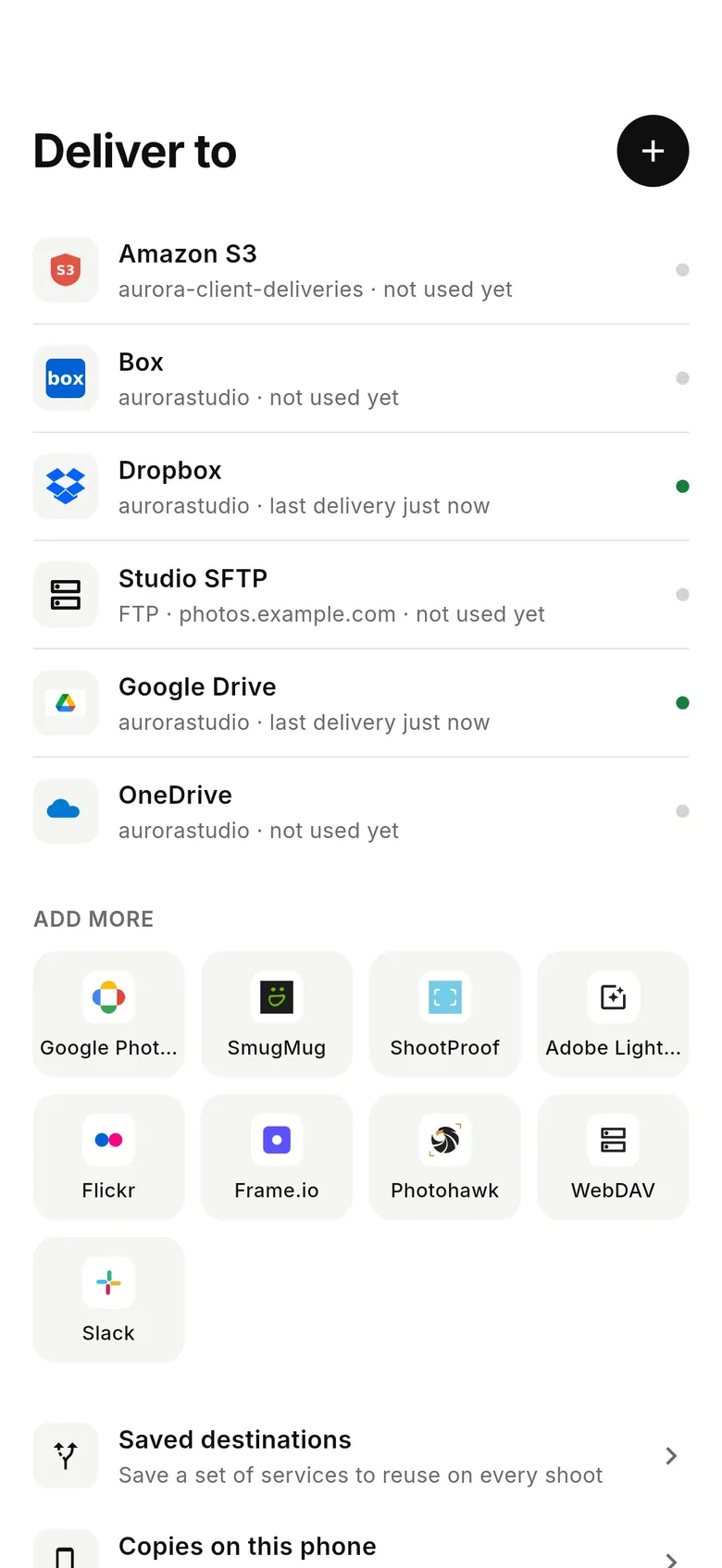
If your goal is every frame off your Sony at full resolution and delivered while you shoot — not a few transfers to your phone — CloudTether is built for that, and it doesn't depend on which Sony app your camera uses. Set the camera's USB mode to PC Remote (not mass storage or USB streaming — the ZV-E10 defaults to streaming), plug a USB-C cable into your iPhone, iPad or Android phone, and each ARW or JPEG comes off the camera and goes to Dropbox, Google Drive, a gallery or an FTP server, or stays on the phone. USB is verified on a Sony ZV-E10; Sony Wi-Fi depends on the model. Every shot is sent — rated send isn't available over Sony tethering. There's a 7-day free trial.
FAQ
Why can't the Creators' App find my Sony camera?
Most often the camera isn't on the Creators' App compatibility list (it may use Imaging Edge Mobile) or needs a firmware update, or the app is missing Location, Local Network or Bluetooth permission.
Should I use Imaging Edge Mobile or Creators' App?
Sony assigns each camera to one app. Recent bodies use Creators' App; many older ones use Imaging Edge Mobile. Check Sony's compatibility list for your model.
Why does pairing keep failing?
A camera still paired at the phone's Bluetooth level can block pairing in the app. Unpair on both the camera and phone, restart the phone and pair again.
Can the Creators' App transfer full-size photos?
Yes — choose original size instead of 2 MP in the transfer settings. RAW and video options depend on the camera.
Is there another way to get every Sony shot to my phone?
Yes. CloudTether tethers Sony Alphas over USB in PC Remote mode and copies every full-resolution shot to your phone and on to the cloud as you shoot.
Tether your camera to the cloud with CloudTether
Deliver every shot to the cloud or a client gallery, live as you shoot — no laptop. Start with a 7-day free trial on iPhone, iPad or Android.