Every Frame on the Client's Screen As You Shoot
Connect your phone to your camera over USB cable or Wi-Fi tethering and deliver each frame to a shared Dropbox, Google Drive or gallery — art directors and clients review in real time without crowding the monitor.
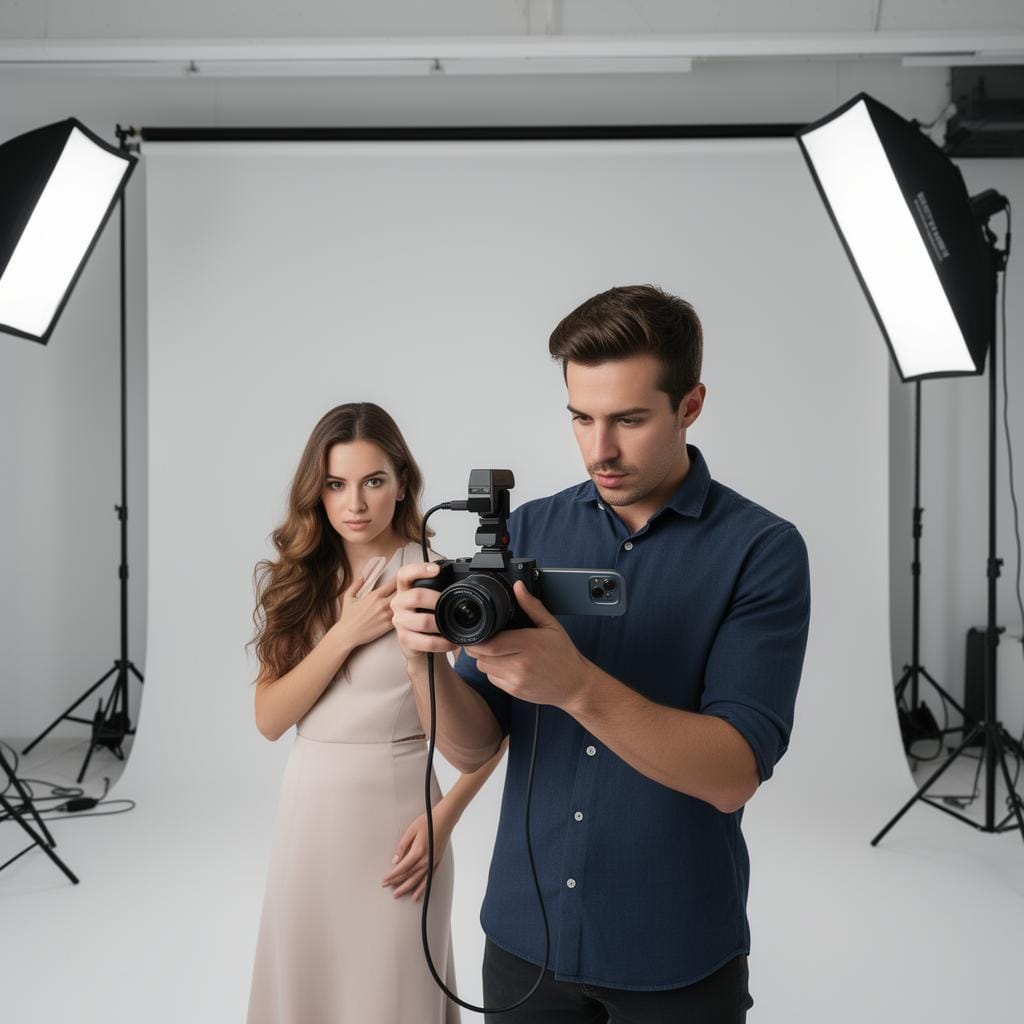
Tethered capture without the laptop
Studio and commercial work has always lived or died on the feedback loop: the faster the art director sees the frame, the faster the set moves. Traditional tethering chains you to a laptop and a capture cable. CloudTether does the same job from your phone — each frame travels from camera to phone over USB or Wi-Fi and lands in a shared cloud folder the moment you press the shutter, so the client, the stylist and the retoucher are all looking at the latest take in real time, whether they're across the room or across the country.
For product, fashion, food and headshot work, that means approvals happen live. Drop frames into a shared Dropbox or Google Drive and the art director marks selects as you go; feed a gallery and a remote client sees the shoot unfold. Upload each frame once and CloudTether fans it out — a working folder for the team, a high-res archive on Dropbox, a client gallery — without re-uploading from your phone.
On Pro you can ingest RAW + JPEG and set a delivery resolution per destination — web-sized previews to the client gallery, full-resolution originals to your archive — so the review copy is fast and the keepers are pristine. No laptop, no capture-software licence, no cable run across the studio floor.
The Problem We Solve
Crowded Around One Screen
Tethered capture usually means everyone hovering over a laptop. Send frames to a shared cloud folder instead — the whole team reviews on their own devices.
Slow Approval Loops
Waiting on the art director kills momentum. With frames landing live in Dropbox or a gallery, selects and approvals happen while the set is still lit.
No Laptop, No Capture Cable
CloudTether tethers from your phone over USB or Wi-Fi — no laptop, no tethering software licence, no cable snaking across the studio floor.
Remote Clients, Live Review
Brand teams and agencies can't always be on set. Feed a shared gallery and they watch the shoot unfold and approve frames from anywhere.
Previews and Originals at Once
Send web-sized previews to the client gallery and full-resolution RAW to your archive in the same pass, each at its own delivery resolution (Pro).
Organised, Backed-Up Capture
Every frame is in the cloud and sorted by look or set-up the instant it's shot — a live backup and a tidy archive without an end-of-day import.
How It Works
Set Up the Tether
Connect your phone to your camera over USB cable or Wi-Fi tethering. Point the session at a shared Dropbox or Google Drive folder, a client gallery, and your archive.
Shoot the Set
Work each look as normal. Every frame transfers from camera to phone and uploads to your destinations the instant you capture it.
Team Reviews Live
The art director, stylist and remote client see frames appear in the shared folder or gallery and mark selects in real time.
Selects and Archive Ready
Approved frames are already where the retoucher needs them, and full-res originals are backed up in your archive — no post-shoot import.
Great cameras for studio & commercial
CloudTether tethers these bodies over USB or Wi-Fi — see the setup for yours.
Studio & Commercial FAQ
Do I still need a laptop and tethering software?
No. CloudTether tethers from your phone over USB or Wi-Fi and delivers frames to the cloud, so a remote team reviews in a shared folder or gallery — no laptop, capture cable or tethering licence required.
Can a client review the shoot remotely?
Yes. Point a session at a shared gallery or cloud folder and the client watches frames land in real time from anywhere, marking selects as you shoot.
Can I send previews to the client and originals to my archive?
On Pro you can set a delivery resolution per destination — for example web-sized JPEGs to the client gallery and full-resolution RAW to a Dropbox or FTP archive, in a single pass.
Does it capture RAW for commercial work?
Yes — Pro ingests RAW alongside JPEG, so your originals are delivered and backed up as you shoot. Lite handles JPEG at original resolution.
More ways photographers use CloudTether
Ready to Try CloudTether?
Download CloudTether on iOS or Android to start delivering shots in real time.
Available now on iOS and Android