Deliver Sneak Peeks Before the Reception Ends
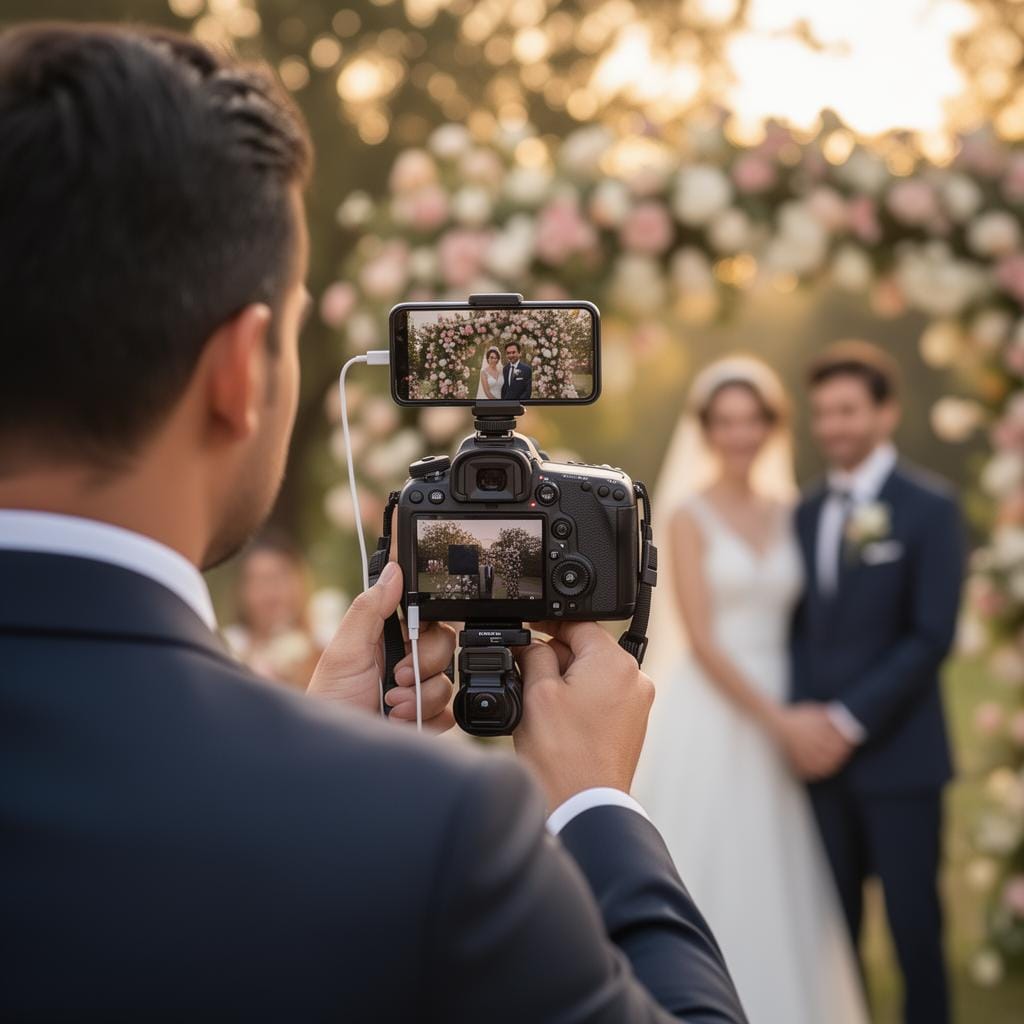
Connect your phone to your camera over USB cable or Wi-Fi tethering and upload wedding moments to SmugMug, Dropbox, Google Drive, or any cloud destination — couples and guests see photos in real time.
Turn the wait into a wow
The hardest part of wedding photography isn't the shoot — it's the silence afterwards. Couples come back from their honeymoon to an inbox that's still empty, and the emotional peak of their wedding day fades before they ever see a frame. CloudTether closes that gap. As you shoot the ceremony and the portraits, each photo travels from your camera to your phone over USB or Wi-Fi and uploads straight to the gallery you already use, so a sneak-peek set is live before the first dance.
Because your phone is the uplink, you're not tied to venue Wi-Fi — a barn, a beach, a hotel ballroom with dead spots all work the same way over mobile data. And because each photo is uploaded once and fanned out server-side, you can feed a SmugMug gallery for the couple, a Dropbox folder for the planner and a Google Drive for the videographer from a single pass, without draining your battery on three separate uploads.
On the Pro plan you can ingest RAW alongside JPEG and run a second body with your second shooter into the same session, so the whole day lands in one organised place as it happens — no card-shuffling at midnight, and a same-day experience that sets you apart from every other photographer the couple considered.
The Problem We Solve
Couples Waiting Days
Brides and grooms shouldn't wait weeks for a sneak peek. CloudTether uploads photos to SmugMug or Google Drive within seconds of capture.
Missed Social Moments
The best Instagram moment is right after the ceremony. Share a Dropbox or Google Drive link so couples can post while the excitement is fresh.
Your Phone Is the Uplink
CloudTether uses your phone's mobile data or the venue's Wi-Fi to upload photos from your camera to any configured cloud destination — Dropbox, Google Drive, FTP, SmugMug, and more.
One Shoot, Many Destinations
Upload each photo once — we fan it out to SmugMug for client galleries, Dropbox for the planner, and Google Drive for the couple, all from a single shoot.
Premium Client Experience
Wow your couples with same-day SmugMug galleries and set yourself apart from every other photographer they considered.
Automatic Cloud Backup
Every shot uploads to your chosen cloud destination the instant it leaves your camera — a live off-camera backup if a card ever fails mid-day.
How It Works
Connect Your Camera
Pair your phone with your camera over USB cable or Wi-Fi tethering. Open CloudTether and set your destinations — SmugMug gallery, Dropbox folder, Google Drive, or FTP server.
Shoot as Normal
Photograph the ceremony, portraits, and reception as you normally would. Keep CloudTether open and every frame transfers as you capture it.
Photos Upload Automatically
Every photo transfers from camera to phone over USB or Wi-Fi and uploads to SmugMug, Dropbox, Google Drive, or your FTP server — all while you keep shooting.
Couple Gets Sneak Peeks
Share a SmugMug gallery or Dropbox link with the couple. They see photos appearing during the reception and can share favorites immediately.
Great cameras for wedding photography
CloudTether tethers these bodies over USB or Wi-Fi — see the setup for yours.
Wedding Photography FAQ
Do I need Wi-Fi at the wedding venue?
No. CloudTether uploads over your phone's mobile data, so dead-spot ballrooms, barns and beaches all work. If the venue has good Wi-Fi you can use that instead — either way the camera connects to your phone over USB or its own Wi-Fi.
Can I deliver to the couple and the planner at once?
Yes. On Pro, add as many destinations as you like to a session — for example a SmugMug client gallery, a Dropbox folder for the planner and a Google Drive for the couple. Each photo is uploaded once from your phone and fanned out to all of them.
Will it slow me down during the ceremony?
No. Transfers happen in the background while you keep shooting. There's no need to stop, swap cards or babysit an upload — you shoot the day exactly as you normally would.
Does it back up my RAW files?
On Pro, CloudTether ingests RAW alongside JPEG, so your originals are backed up off-camera as you shoot — a safety net if a card fails mid-wedding. Lite is JPEG-only.
More ways photographers use CloudTether
Ready to Try CloudTether?
Download CloudTether on iOS or Android to start delivering shots in real time.
Available now on iOS and Android